Help! My character is falling through the screen! If your character is falling through the floor or other objects in a game, there could be several reasons. Here are some possible problems and their solutions:
1. Collider problems
- Problem: The character or floor may not have a correct collider, or the colliders may not fit exactly. If the colliders are not configured correctly, the physics system will not detect collisions.
- Solution: Check the colliders on both the character and the ground. Make sure they are sized and positioned correctly and that they don't change unexpectedly at runtime.
2. Rigidbody settings
- Problem: A misconfigured character's rigid body can cause gravity and other physical forces to not work correctly.
- Solution: Make sure the character has a rigid body and that it is configured correctly. In particular, check the settings for gravity (“Use Gravity”) and interpolation.
3. High movement speed
- Problem: If the character moves too quickly, a phenomenon known as “tunneling” may occur. In a single update step, the character moves so far that he “tunnels” through the collider.
- Solution: Limit the character's speed or use Continuous Collision Detection (CCD) in the rigidbody to prevent tunneling.
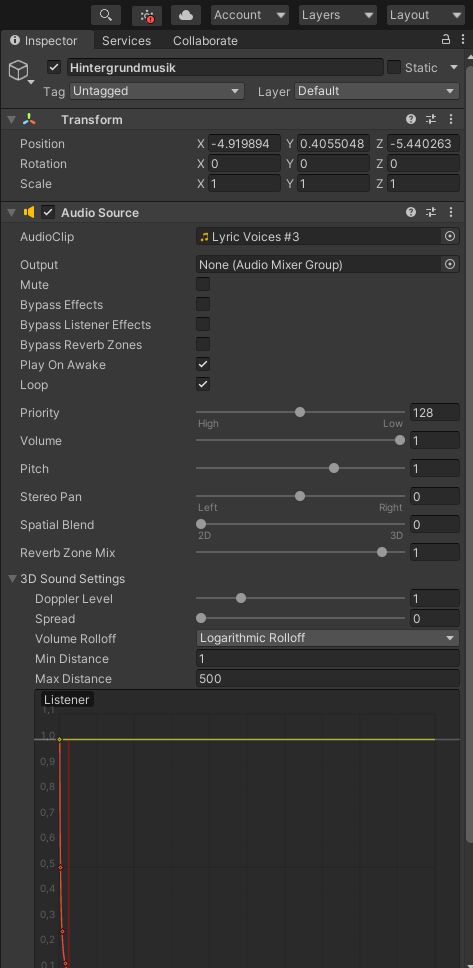
4. Scaling or transformation issues
- Problem: Incorrect scaling or transformation of objects can cause the colliders to not function correctly.
- Solution: Check the scaling and transformation of all involved objects in the Unity Editor to ensure they are correct.
5. Error in movement code
- Problem: Errors in the movement code can cause the character to behave unexpectedly and fall through objects.
- Solution: Check all scripts that control the character's movement. Make sure the movement is implemented correctly taking the physics engine into account.
6. Incorrect layer and physics settings
- Problem: Sometimes the layer settings or collision matrix in Unity can be configured to prevent certain objects from colliding with each other.
- Solution: Check the layer and physics settings to ensure that collisions between the character and the ground are allowed.
Conclusion
To resolve the issue of crashes, you should proceed systematically and check all aspects of colliders, rigidbody settings, movement speed, and scripts. Often, a combination of several small errors is responsible. Careful testing and debugging are crucial to identifying and fixing the exact cause.
Checking the collider
- Existence of a collider: Make sure your character GameObject has a collider. This can be a BoxCollider, SphereCollider, CapsuleCollider, or other suitable collider depending on your character's shape.
- Type of collider: Choose the collider type that best suits your character's shape. For a humanoid character, a CapsuleCollider is often used because it reflects the shape of the human body well.
- Size and position of the collider: The collider should be scaled and positioned to accurately enclose your character's body. A collider that is too small or incorrectly positioned could cause the character to fall through objects.
- Consistent with the animation: If your character is animated, make sure the collider remains correctly positioned during animations. Sometimes animation movements can cause the collider to move from its ideal position.
- Conflicts with other colliders: Check if there are conflicts with other colliders, especially if your character has multiple colliders (e.g. for different body parts). These must not penetrate or block each other.
solutions
- Adding a collider: If there is no collider, add the corresponding collider component to your character.
- Adjusting the collider: Adjust the size and position of the collider so that it correctly surrounds your character.
- Use of child objects: For complex characters, you can use child objects with their own colliders to more accurately recreate the character's shape.
- Testing and debugging: After making adjustments, test the character thoroughly to ensure it behaves as expected.
By checking and adjusting these aspects, you can resolve the issue of objects falling through in most cases.